Keep your history
Import supported workout-history files, including Strong and Hevy formats. Review the import before adding it to your device.
Fitmo · Workout Tracker
A clear, focused place for your strength training. Log your workouts, build routines, and see the progress you keep showing up for.
Built around your training
Record sets, reps, and weights. Keep your favorite routines ready. Review your workout history and training reports, then come back with a plan.
Core workout tracking works without a social account. When you want company, choose your friends and keep motivation close with private squads.
Inside Fitmo
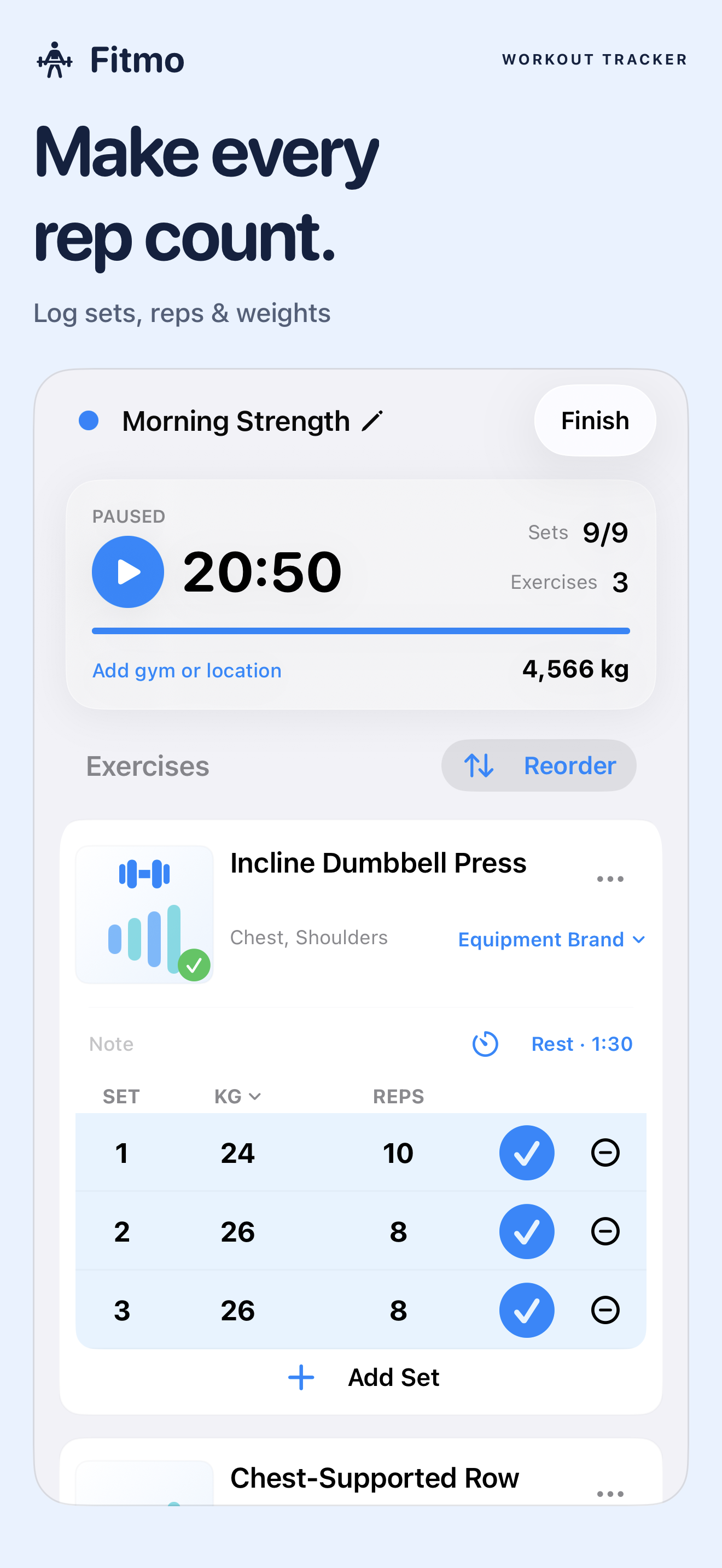
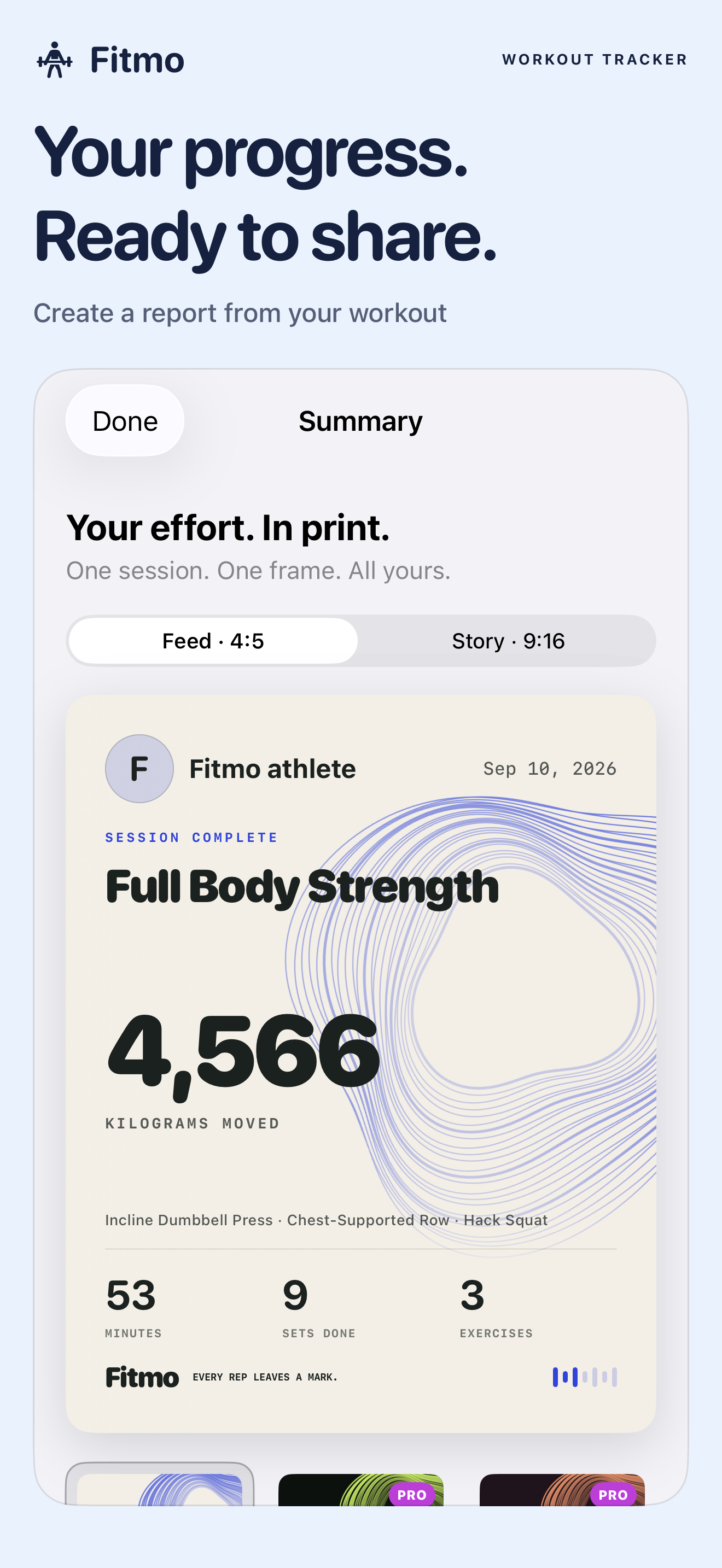
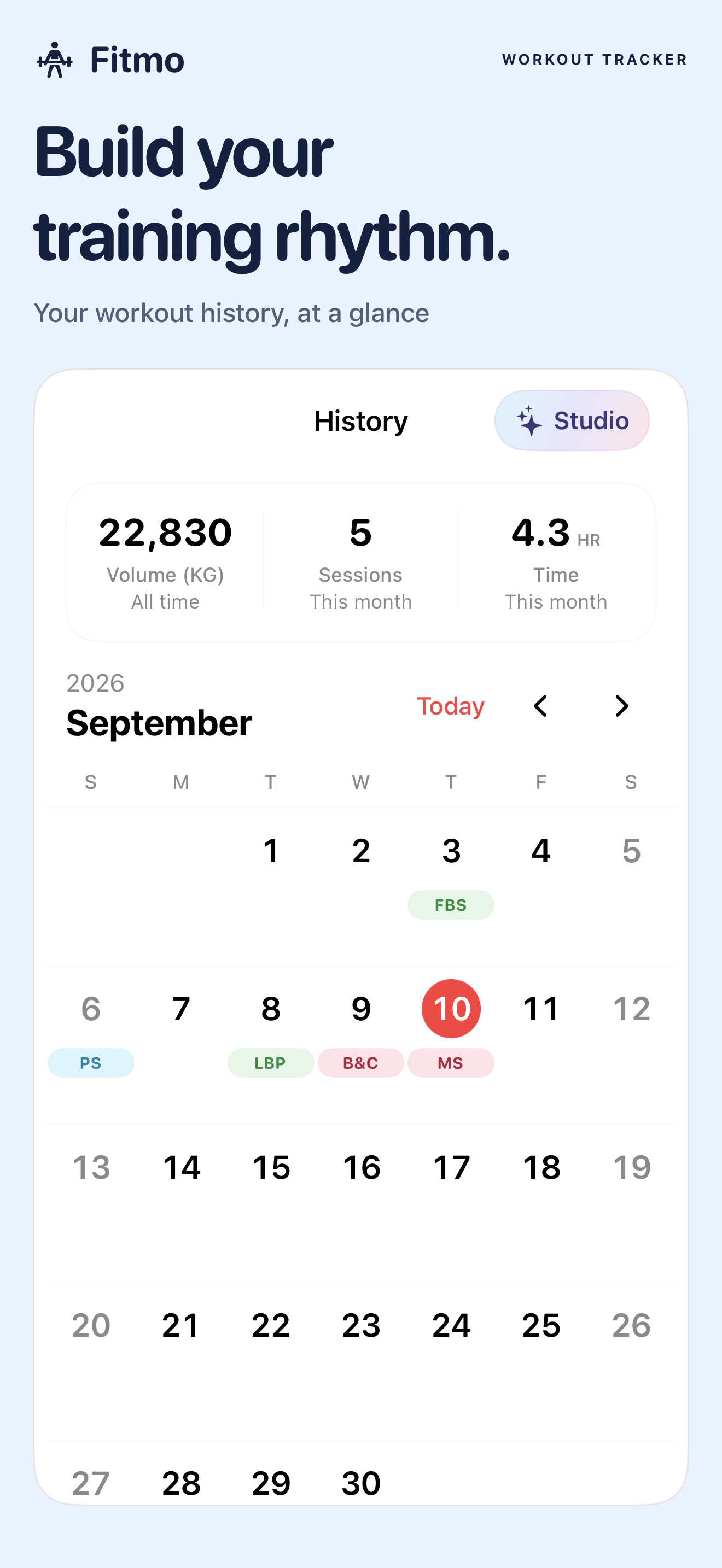
Import supported workout-history files, including Strong and Hevy formats. Review the import before adding it to your device.
Connect by friend code, share selected workout activity, and cheer on your private training circle. You control your sharing settings.
Explore Fitmo Pro for a larger friend circle, private squad creation, and additional report designs. Core workout logging remains available without Pro.
Here when you need us
Your information
What Fitmo uses, why it uses it, and the controls available to you.
Read the policy →Using Fitmo
The license, purchase terms, user responsibilities, and service rules.
Read the terms →Get help
Help with Pro purchases, accounts, notifications, and Apple Watch.
Open support →Your choice
How to permanently delete your Fitmo social account and hosted data.
View the guide →